Start with a system you can repeat
A photo archive becomes difficult to navigate when every import is handled differently. One shoot might live in a folder named after a place, another under a client’s name, and a third in a folder called “new photos.” The best system is not necessarily elaborate. It is one you can apply without having to invent new rules each time.
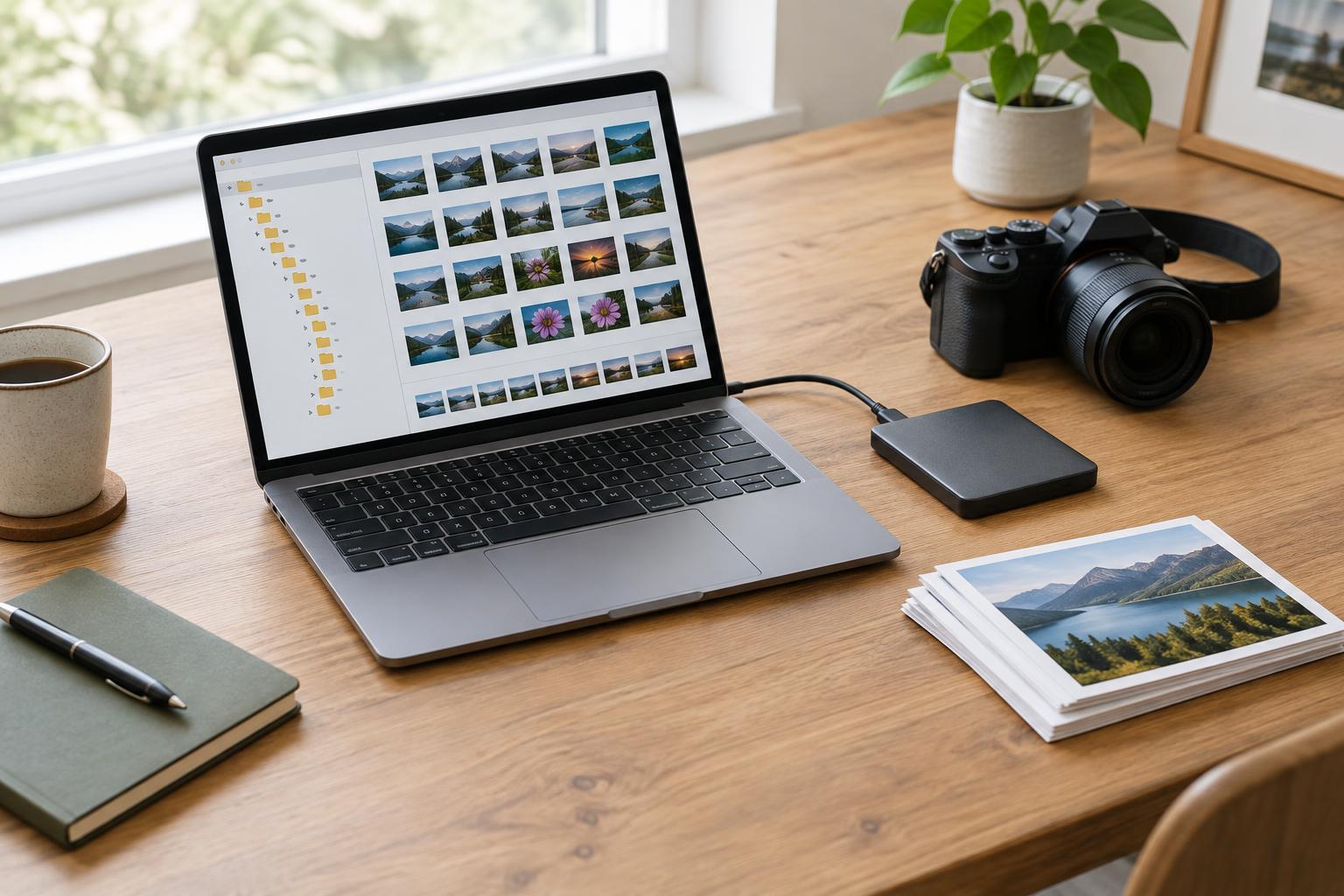
Decide first what the folders should answer. For many photographers, the most useful question is “When did I make these?” A year folder containing shoot folders gives the archive a predictable structure. A shoot folder named “2024-05-18_garden-portraits,” for example, is easy to scan and sorts in date order. If you work on long-running projects, a project folder with dated shoot folders inside it may be more useful. Choose one main structure rather than trying to encode every detail in the folder tree.
Use short, descriptive terms that will still make sense later. “Garden portraits” is more useful than “Saturday,” while a broad label such as “work” may not distinguish one shoot from another. Avoid characters that can cause trouble across devices or operating systems, such as slashes and colons. Hyphens and underscores are simple separators.
Give each original a stable, distinct name
Camera-generated names are often brief and may repeat after a camera counter resets or when you use multiple cameras. Renaming on import can make files easier to identify outside an editing application. A pattern such as “20240518_garden-portraits_0001” combines a date, a shoot label and a sequence number. The sequence helps keep names distinct without requiring you to describe every frame.
A filename does not need to carry the whole story. Adding a subject, location, camera model, rating and editing status to every name makes the system harder to maintain. Keep detailed descriptions and searchable keywords in an editing catalog or file metadata if your workflow supports them. Filenames should remain useful even when that catalog is unavailable.
If your camera records both RAW and JPEG versions of a frame, preserve their shared base name so the pair stays recognizable. The same principle applies to sidecar files created by some editing tools. Before batch-renaming a large shoot, test the process on a few copies and check that related files still match. Keep the file extension intact.
Separate originals from working files and exports
An original is your starting point; an export is a version prepared for a particular use. Keeping them distinct reduces the chance of editing or deleting the wrong file. Within a shoot folder, you might use subfolders called “originals” and “exports.” If your editing software stores a catalog or other working files, give those an intentional location too, following the software’s guidance on where its files belong.
Export names can describe their purpose without changing the original’s identity. For instance, an image whose original name ends in “0042” might have exports ending in “0042_web” and “0042_print.” Where practical, retain that shared identifier so you can trace a delivered image back to its source. If you make several revisions, use a consistent version label rather than adding vague words such as “final” and “final-new.”
Not every temporary file needs a permanent home. Periodically review exports and working files, especially after a project ends. Keep what you need for delivery or future use, but make deliberate decisions rather than allowing every test export to blend into the archive.
Make importing and finding files a routine
A repeatable import routine might be: create the shoot folder, copy the card contents, check that the expected files arrived, apply the naming pattern, and then begin editing. Do not erase a memory card merely because an import window says the transfer is complete; confirm that you can open files and that another copy exists according to your backup plan. Folders make an archive navigable, but they are not backups by themselves.
When you need a photo later, start with the strongest clue you remember. A date or project can lead you to a folder; a filename can identify a frame; keywords or captions can help when you remember a subject but not the shoot. These tools complement one another. If you move folders after importing them into an editing catalog, use the catalog’s own file-management tools when appropriate so it does not lose track of their location.
Improve an old archive in manageable steps
You do not have to reorganize years of photos before adopting a better system. Start with the next import and write your rules in a short note: folder pattern, filename pattern, where originals go, and how exports are labeled. Then apply the same rules to older work when you have a reason to revisit it.
For a large backlog, work on a copy of one small group first. Check for duplicate names, missing files and RAW–JPEG pairs before making bulk changes. Preserve existing dates and descriptions where they are useful, and verify that your editing software can still locate the images afterward. A modest system applied consistently will usually be easier to use than a detailed system followed only occasionally.