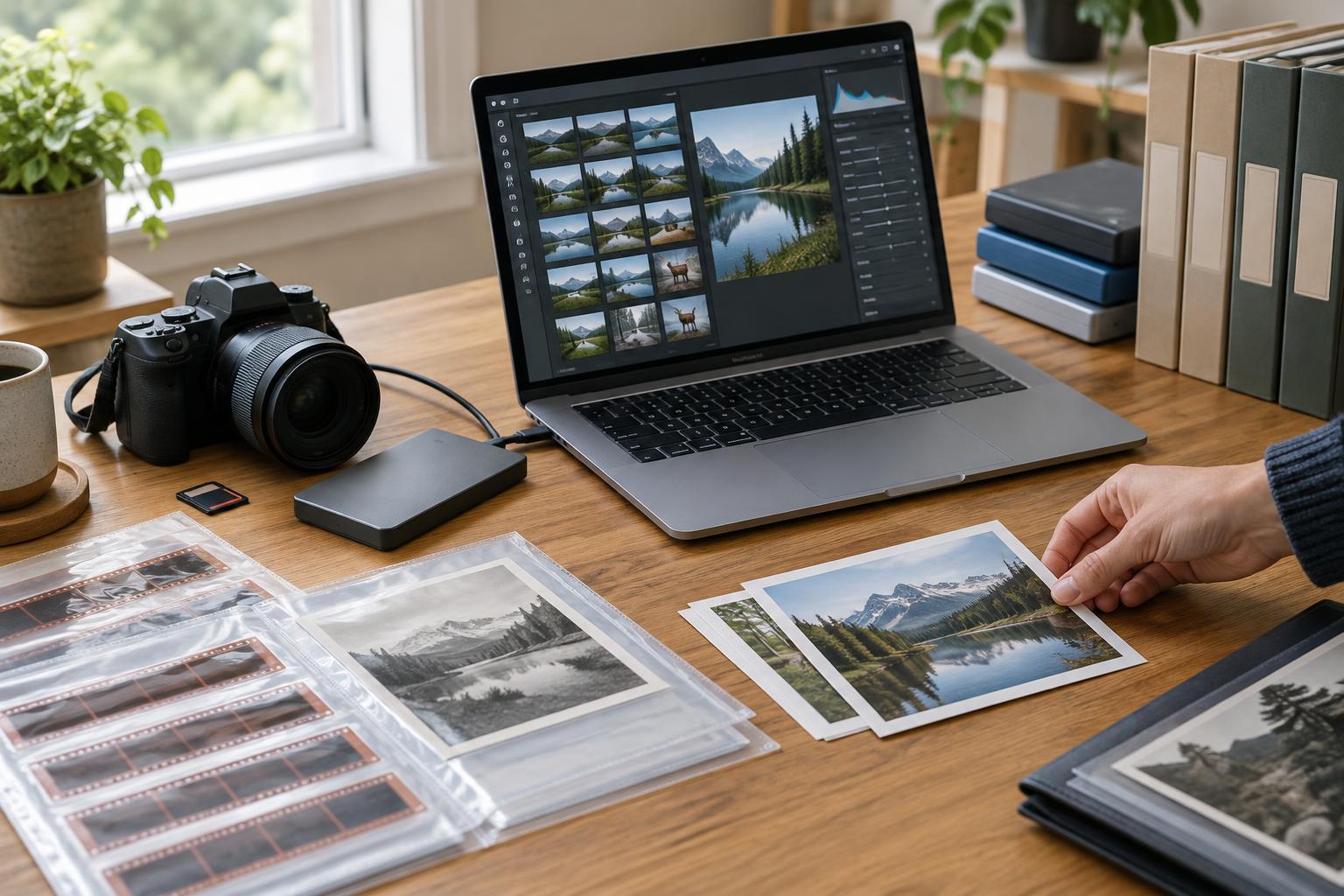

Photo Editing and WorkflowBatch editing can make a photo series more coherent without flattening the light, color, and mood that distinguish its frames. Learn how to group images, synchronize useful adjustments, review exceptions, and check the finished sequence.
Read article · 4 min↗
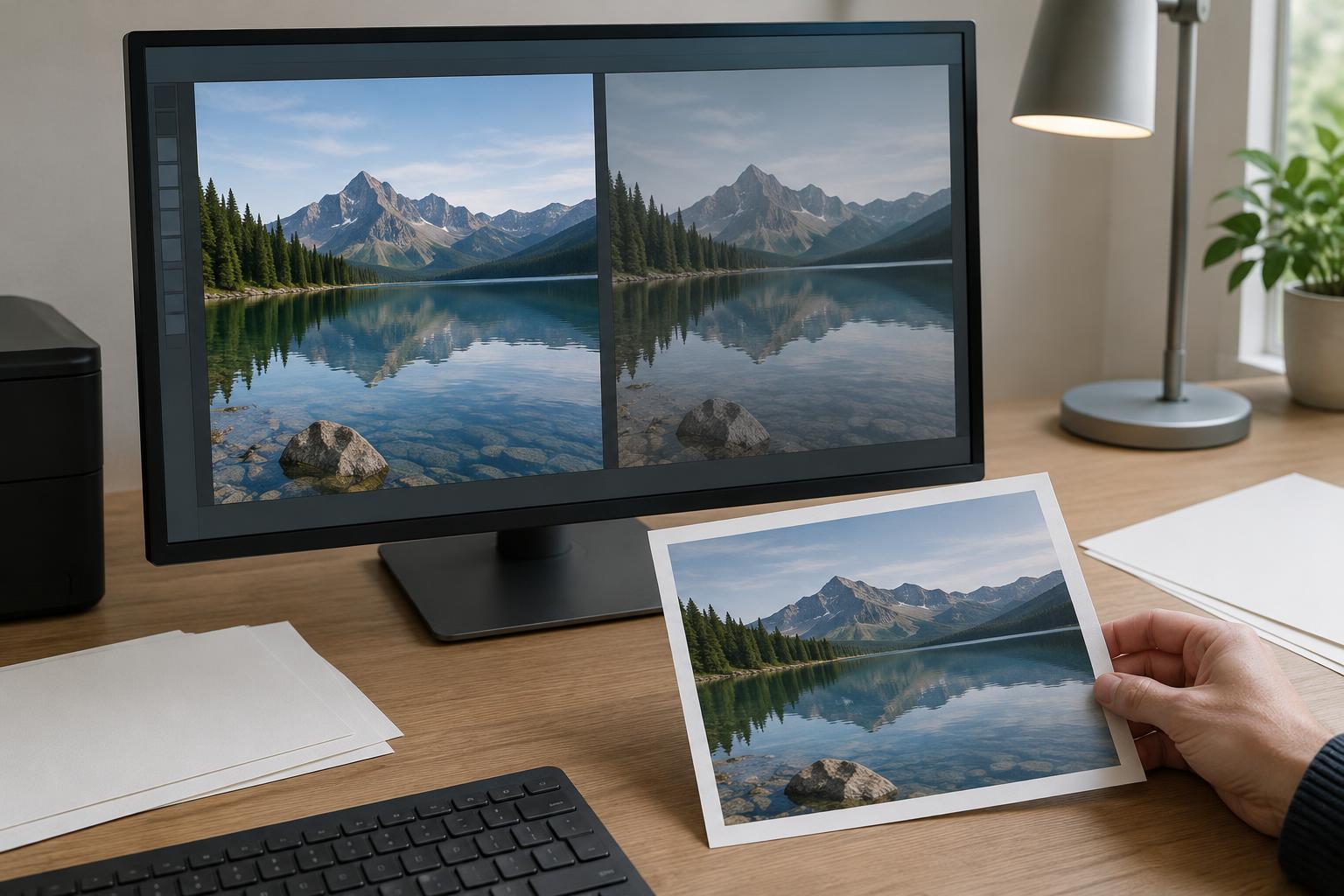
Photo Editing and WorkflowA photograph can look different on paper than it does on a screen. Learn how to set up a soft proof, interpret its warnings, make print-specific edits, and use a test print to refine the result.
Read article · 4 min↗

Photo Editing and WorkflowA practical guide to preparing photographs for websites without giving up more detail than necessary. Learn how to choose pixel dimensions, compare file formats, manage compression, convert color to sRGB and check the finished export.
Read article · 4 min↗

Photo Editing and WorkflowA photo can look balanced on your editing monitor and too warm, dark, or saturated elsewhere. Learn how display settings, ambient light, calibration, color profiles, and export choices affect what viewers see—and how to build a more reliable editing workflow.
Read article · 4 min↗

Photo Editing and WorkflowSensor dust can leave faint, repeated marks across a set of photographs. Learn how to identify those marks, remove them with a reversible editing workflow, and keep the scene itself intact.
Read article · 4 min↗
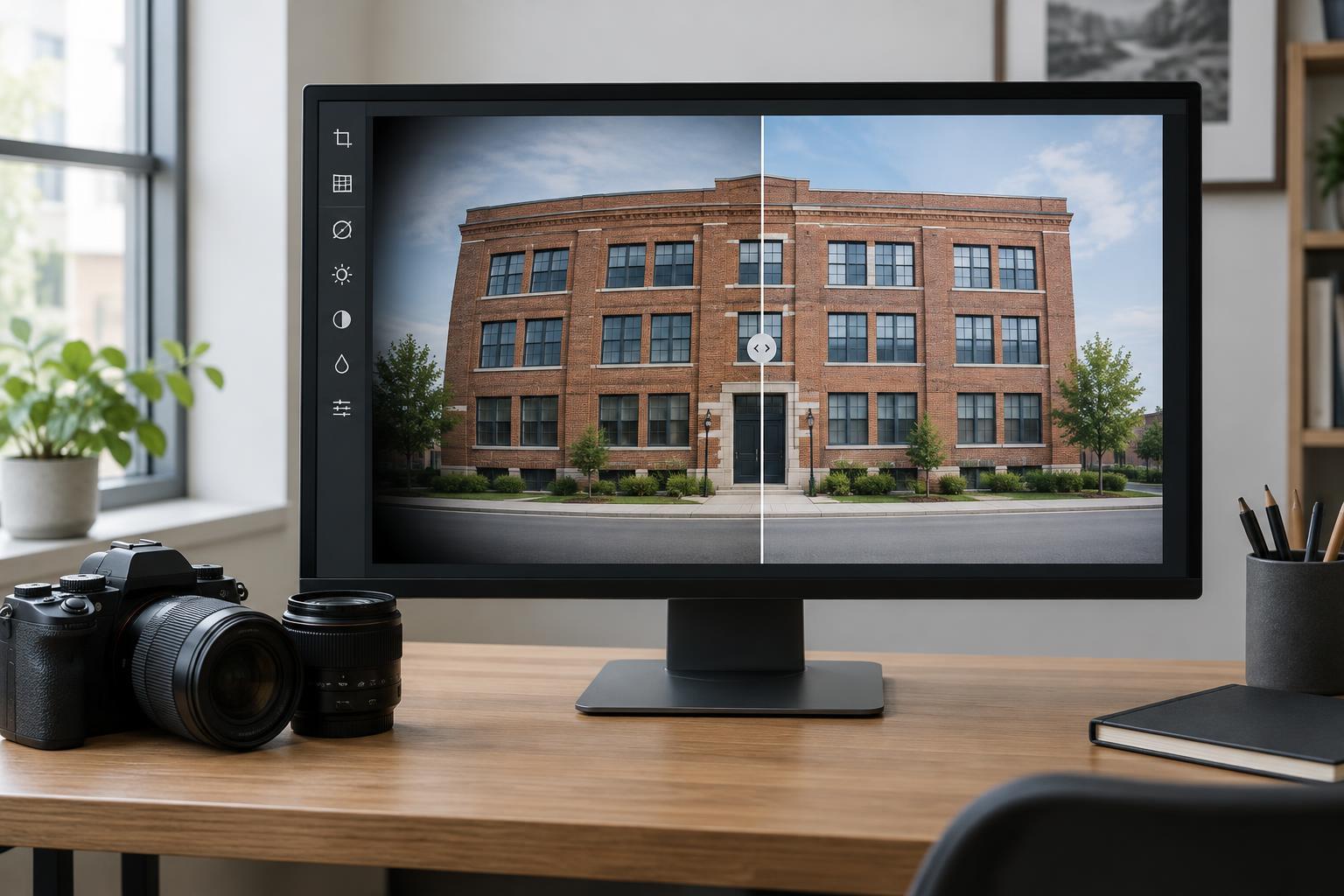
Photo Editing and WorkflowCurved lines and dark corners can distract from a photograph, but they do not always need fixing. Learn how to recognize lens distortion and vignetting, apply automatic or manual corrections, and check the result before exporting.
Read article · 4 min↗

Photo Editing and WorkflowSharpening can make important details easier to see, but too much can leave bright or dark outlines around edges. Learn how to sharpen in stages, protect smooth areas, and judge separate screen and print versions at their intended size.
Read article · 4 min↗

Photo Editing and WorkflowNoise reduction can make a photograph easier to read, but too much smoothing can erase texture and make a scene look unnatural. Learn how to judge noise, choose a starting point and protect the details that matter.
Read article · 4 min↗

Photo Editing and WorkflowLocal adjustments can guide attention without making a photograph look patched together. Learn how to choose a mask, soften its transition, balance the adjustment, and check the result at different viewing sizes.
Read article · 4 min↗

Photo Editing and WorkflowColor adjustments can make a photograph clearer and more expressive, but strong saturation can also hide detail or change how a scene is understood. Learn a restrained workflow for adjusting overall color and individual hues while keeping the image believable.
Read article · 4 min↗

Photo Editing and WorkflowTone curves can make a photograph feel clearer, softer, or more dramatic. Learn how to read the curve, adjust contrast selectively, and check that important shadow and highlight detail survives.
Read article · 4 min↗

Photo Editing and WorkflowWhite balance can make a scene look natural or help convey the feeling of its light. Learn how to find a neutral starting point, handle mixed lighting, and add warmth without losing believable color.
Read article · 4 min↗

Photo Editing and WorkflowA histogram can help you spot lost highlight or shadow detail, but it cannot decide whether an image is well exposed. Learn how to read its edges, identify detail worth protecting, and make careful adjustments during editing.
Read article · 4 min↗
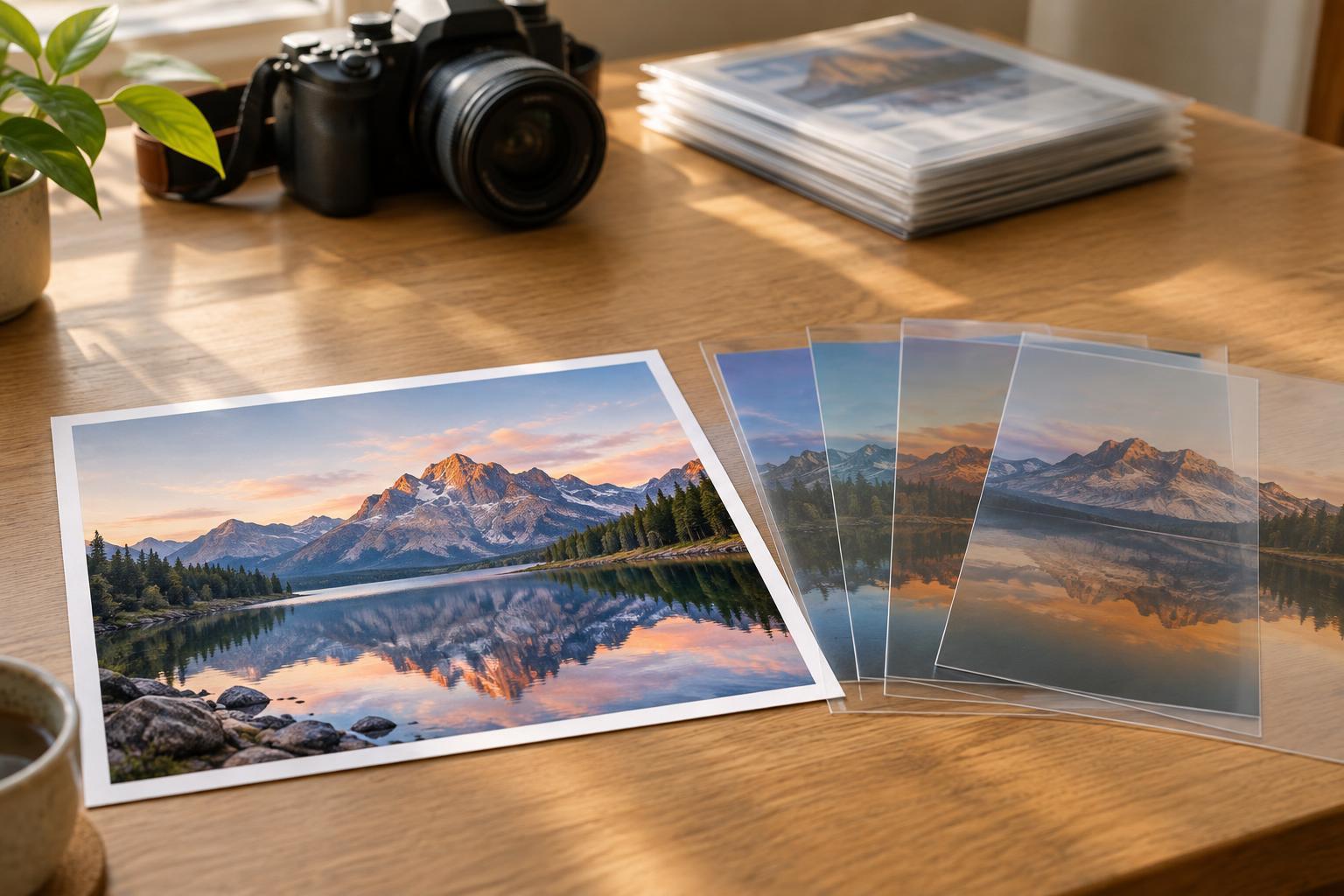
Photo Editing and WorkflowNon-destructive editing lets you explore exposure, color, crops and retouching without permanently changing the source photo. Learn how edit instructions, layers, versions and backups work together in a dependable workflow.
Read article · 4 min↗
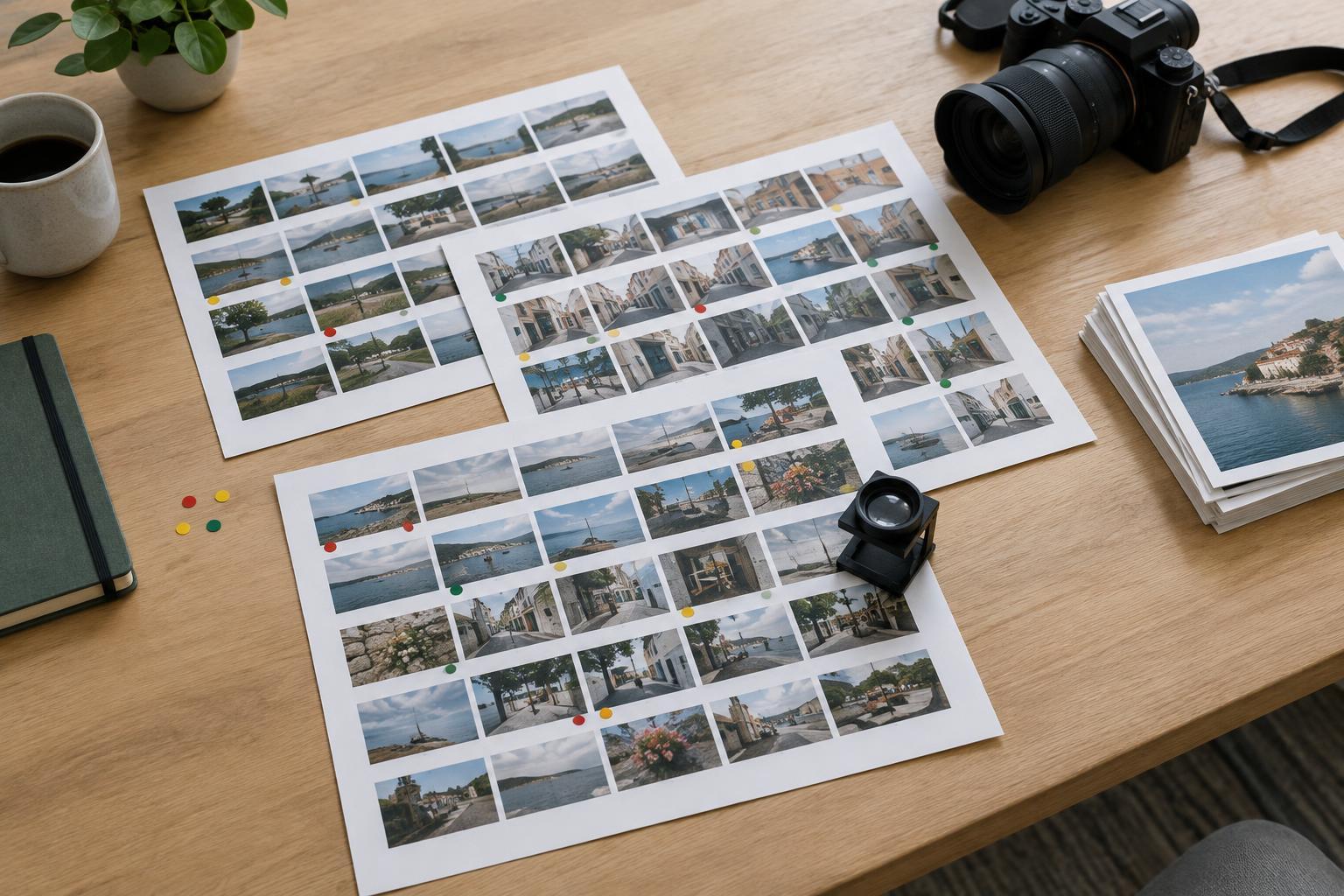
Photo Editing and WorkflowA large shoot becomes easier to edit when you separate browsing from judging. Use contact sheets to see patterns, set criteria before choosing favorites, and make several focused passes from rough selection to final sequence.
Read article · 4 min↗


Photo Editing and WorkflowA dependable photo backup is more than a spare drive. Learn how to protect original files, edits and catalog data with independent copies in separate locations, then test whether you can restore them.
Read article · 4 min↗

Photo Editing and WorkflowA practical folder and filename system can make a growing photo archive easier to browse, search, back up and share. Learn how to organize originals by date, use consistent names, separate exports and keep related files together.
Read article · 4 min↗

Photo Editing and WorkflowA reliable photo import is more than a drag-and-drop. Learn how to prepare a destination, copy and verify every file, recognize duplicate names, and keep the card intact until your photos are backed up.
Read article · 4 min↗