What an f-number describes
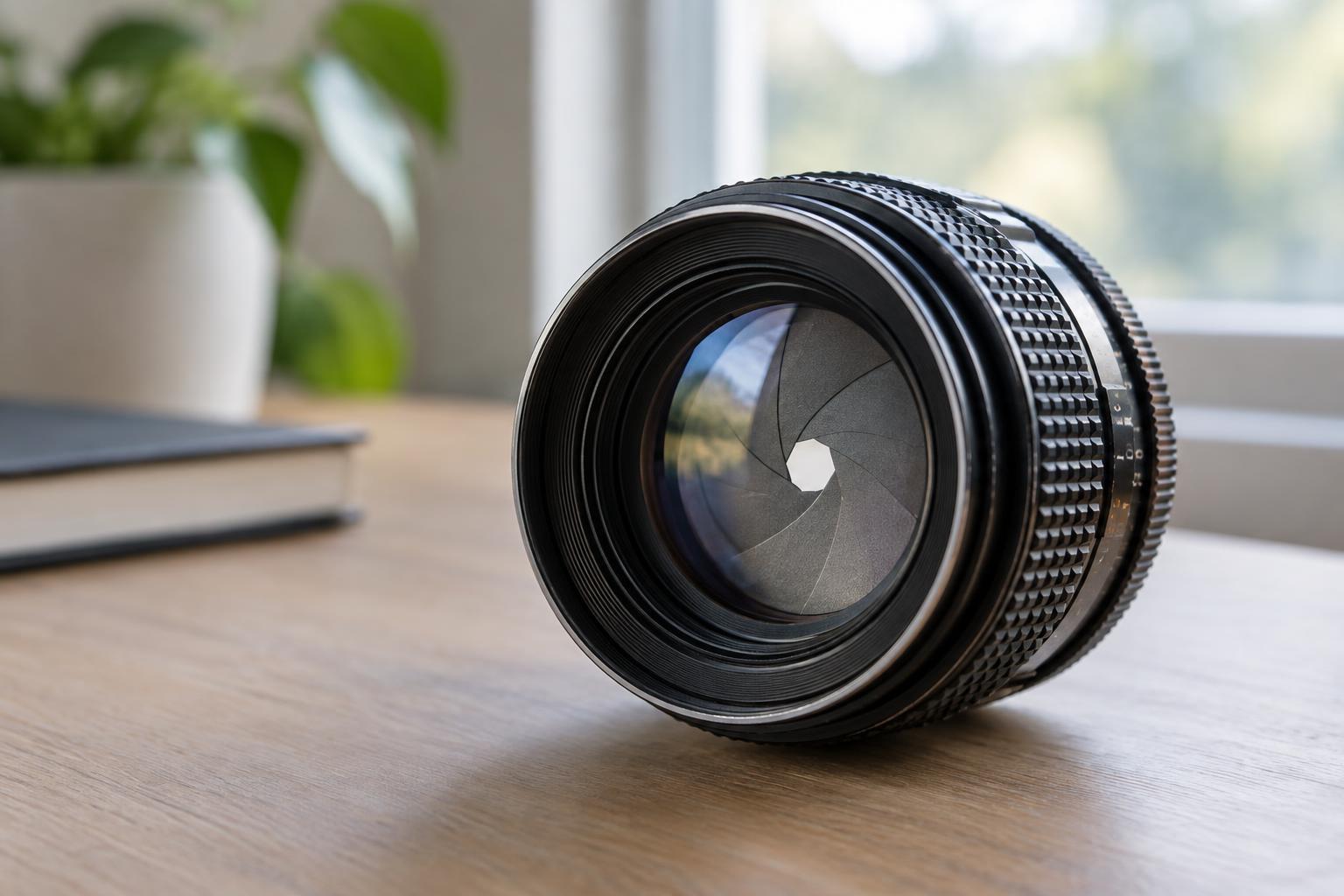
The aperture is an adjustable opening inside a lens. Its setting is written as an f-number, such as f/2.8 or f/8. The number expresses a ratio: focal length divided by the diameter of the effective opening. That is why the notation looks like a fraction. On the same lens, f/2.8 describes a wider opening than f/8, even though 2.8 is the smaller number.
F-numbers let you compare settings across lenses without memorizing opening diameters. At the same f-number, lenses of different focal lengths do not necessarily have openings of the same physical size. Think of the number as a setting that helps you predict exposure and the appearance of focus, rather than as a measurement in millimeters.
How stops affect exposure
A common sequence of full-stop settings is f/1.4, f/2, f/2.8, f/4, f/5.6, f/8, f/11 and f/16. Moving one full stop toward a larger f-number halves the light admitted by the aperture during an exposure. Moving one full stop toward a smaller f-number doubles it. For example, changing from f/4 to f/5.6 admits half as much light; changing from f/4 to f/2.8 admits twice as much.
Many cameras also offer half- or third-stop increments, so you may see numbers between those familiar values. If you narrow the aperture and want to keep a similar image brightness, you can use a longer shutter time or raise the ISO setting. A longer shutter time increases the risk of camera shake or subject blur. Raising ISO does not admit more light; it changes how the camera renders the recorded signal and may make noise more noticeable.
Aperture and depth of field
Aperture also influences depth of field: the range of distances that appear acceptably sharp around the point where you focus. A wide aperture, such as f/2, usually produces a shallower range than f/8 when the camera, lens, framing and focus distance stay the same. That can help separate a subject from a busy background. A narrower aperture can help keep more of a scene acceptably sharp, though it cannot bring everything into perfect focus.
Aperture is not the only factor. Your distance from the subject, the lens’s focal length and the amount of enlargement used to view the image also affect perceived depth of field. If the background remains distracting at a wide aperture, try increasing the distance between your subject and the background. Check the image at a useful viewing size: a small camera preview can hide focus errors that become clear later.
Reading the numbers on a lens
A lens marked 50mm f/1.8 has a 50mm focal length and a maximum aperture of f/1.8. The marking does not mean you must shoot at f/1.8; you can usually select narrower settings through the camera or an aperture ring. On a zoom lens marked 18–55mm f/3.5–5.6, the widest available setting changes as you zoom: f/3.5 at the short end and f/5.6 at the long end. A zoom marked with a single maximum f-number is designed to retain that maximum across its stated range.
Maximum aperture matters when you need a faster shutter time in limited light or want a shallow depth of field. It does not guarantee that the widest setting is the best choice for every photograph. Lens sharpness can vary with aperture, and very narrow settings may soften fine detail through diffraction. Start with the depth of field and shutter time your picture needs, then inspect the result rather than relying on one supposedly ideal number.
A simple way to practice
Choose a stationary subject with a background several steps behind it. Keep the camera in one position, focus on the same point, and make images at a wide, middle and narrow aperture. Aperture-priority mode can adjust the shutter time for you; check what time the camera chooses, especially if you are handholding it. Compare both the subject and the background at the same viewing size.
Then repeat with a subject closer to the camera. Notice how focus becomes more selective and how a narrow aperture may demand a slower shutter time. This exercise makes the numbers easier to read as choices: how much light the opening admits, how much of the scene appears sharp, and what other exposure setting may need to change.