Define what consistency means for this series
A coherent photo series does not require identical brightness, color, or contrast in every image. A window-lit portrait, a shadowed hallway, and a scene under warm lamps may belong together precisely because they show different parts of an experience. The aim of batch editing is to make your treatment of the files consistent, not to erase the conditions in which each photograph was made.
Before moving sliders, look at the series as a sequence. Identify a few qualities you want to carry through it, such as restrained contrast, natural skin tones, or detail in the highlights. Also note differences worth keeping: a dim room should not necessarily look as bright as daylight, and a sunset need not be neutralized to match a cloudy afternoon. These decisions give you a standard for judging edits beyond whether the images look alike in a grid.
Sort images into useful groups
Start by selecting the frames that serve the series. Removing near-duplicates and clear technical failures before editing saves time and makes comparisons easier. Then group the remaining images by conditions that affect their treatment: location, lighting, camera settings, or type of subject. A series shot across several rooms may need several editing groups, even if it was photographed in one session.
Choose a representative image for each group, preferably one that is neither the brightest nor the darkest outlier. Edit that frame first and use it as a starting point for related images. If the light changed gradually, you may need more than one reference frame. Grouping is a practical aid, not a rule: move an image to another group or edit it individually when its appearance calls for it.
Synchronize the adjustments that genuinely transfer
Batch tools can apply a reference edit to many files at once, but not every setting travels equally well. Consistent lens corrections, camera profiles, or a modest color treatment may be good candidates when the files share similar conditions. White balance may transfer within a stable lighting setup but produce strange color in a frame made under different light. Exposure and highlight adjustments often need individual attention, even among photographs taken moments apart.
Apply a small set of shared adjustments, then inspect the results before adding more. Look especially at faces, white surfaces, deep shadows, and bright windows; changes that seem subtle on one image can become distracting on another. If your software allows you to choose which settings to synchronize, use that control rather than copying every adjustment by default. A restrained first pass is easier to refine than a heavy edit applied across an entire selection.
Make room for frame-by-frame decisions
After batching, open each photograph on its own. Correct exposure or color where needed, and consider whether local adjustments help guide attention without calling attention to themselves. Cropping also deserves individual review. A shared aspect ratio can help a layout feel orderly, but forcing every subject into the same composition may remove important context or alter the balance of a scene.
For documentary work, be particularly careful about edits that change what a viewer can reasonably infer. Raising shadows to reveal relevant detail is different from concealing a distracting but meaningful element. Aggressive color shifts or selective darkening can make a place seem more ominous than it appeared. Keep original files and use a reversible editing workflow so you can revisit choices and compare the finished images with what the camera recorded.
Review the sequence, then check the exports
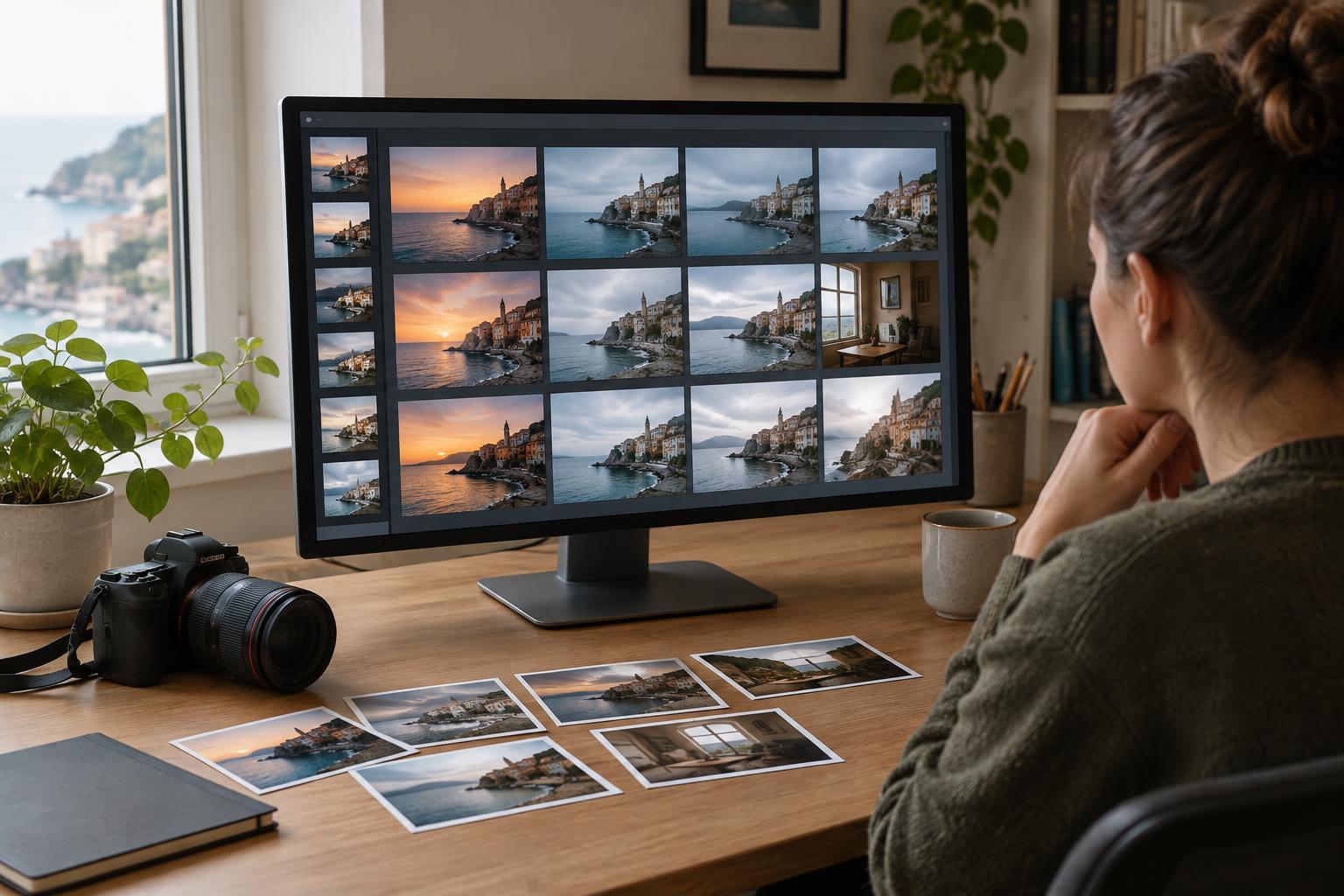
Once individual edits are complete, return to the series view. Put the photographs in their intended order and look for abrupt changes that feel accidental: one frame with unusually strong saturation, a portrait with much warmer skin tones, or an image whose shadows have been crushed compared with its neighbors. Compare those outliers with their original files before changing them. Sometimes an apparent mismatch is an honest change in the light or setting and should remain.
Finally, inspect the exported files rather than relying only on the editing screen. Check that crops, orientation, color, and file dimensions suit their intended use, and confirm that the sequence contains the right versions. If captions or other context will accompany the images, review them alongside the photographs. A good batch workflow saves repetitive labor so that you can spend more attention on the differences that make each frame necessary.