An archive needs more than finished pictures
A finished JPEG or TIFF is useful for sharing and publication, but it usually does not preserve the decisions that produced it. If you later want a different crop, a gentler color treatment or a larger output, you may need the original file and its editing instructions. Keeping those pieces together is the foundation of an editable archive.
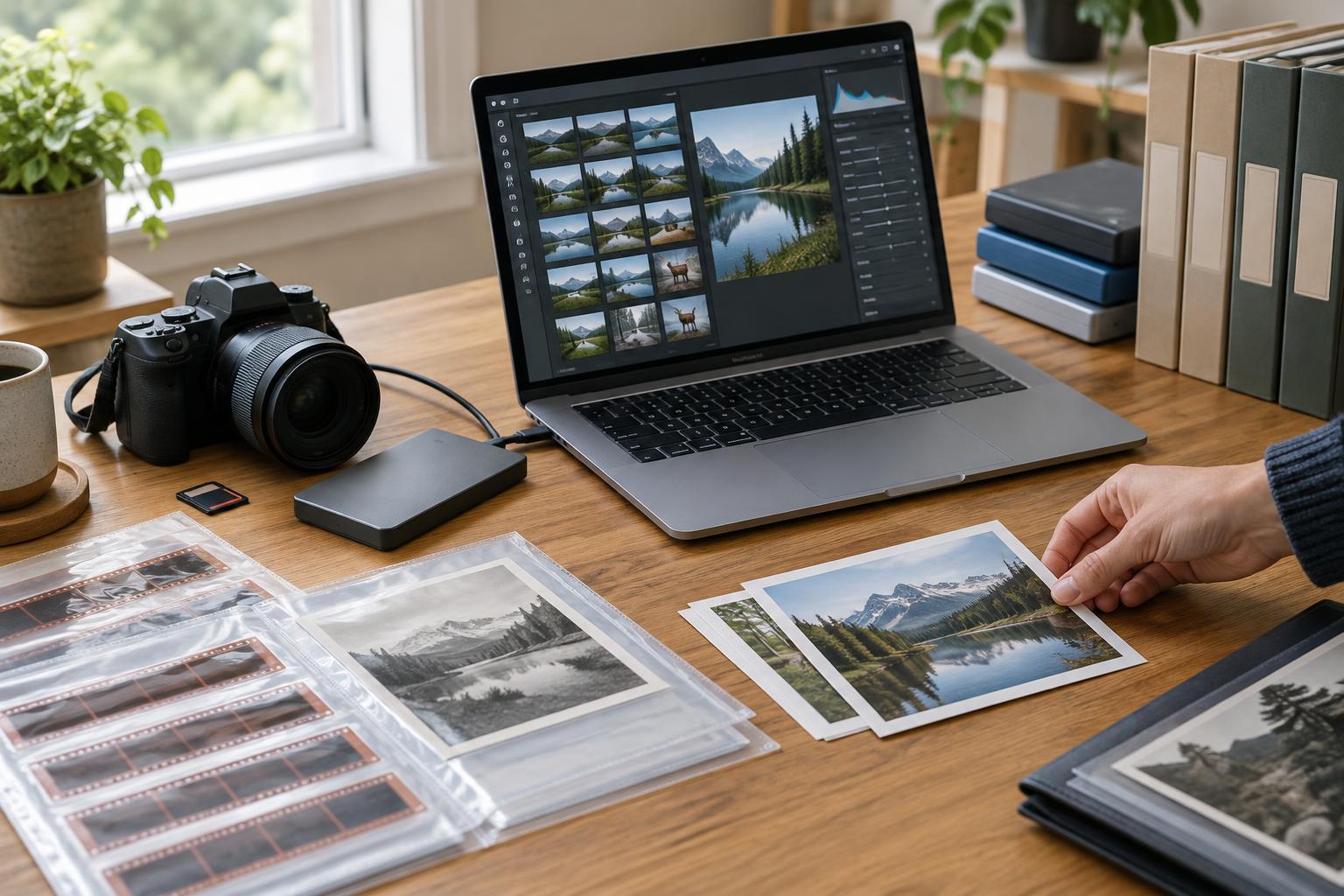
Think of each photograph as having several possible parts: the camera original, a record of edits and descriptive information, and one or more finished exports. The original gives you a starting point. The editing record helps you revisit your work. The export shows how the image was intended to look for a particular use. None of these parts replaces all the others.
A practical archive also needs an understandable folder structure and backups. Aim for a system you can explain without opening your editing application: where originals live, where finished files go, and what must be restored if a drive fails.
What a catalog does—and what it does not do
Many photo editors use a catalog or library database to track images. It may hold file locations, collections, ratings, keywords and edit instructions. A catalog makes a large archive searchable and lets you work without repeatedly changing the original image files. The catalog is therefore valuable data in its own right, not merely a convenience.
In many workflows, however, importing a photograph does not put the original inside the catalog. The database points to a file stored elsewhere. Move or rename that file outside the application, and the catalog may lose track of it. Before reorganizing folders, find out how your software handles moves; using its own file-management tools may help keep those links intact.
Back up the catalog as well as the folders containing originals. Keep enough information to reconnect them after a restore, especially if they live on separate drives. Catalog backups may not include photographs or exports, so check what your backup actually contains rather than assuming the word “backup” covers everything.
How sidecar files help—and where they stop
A sidecar is a separate file associated with an image, often used when software does not write information into the original. For a raw file, it may contain metadata and editing instructions. The sidecar’s filename usually relates to the image’s filename, making the pair easier to identify and move together. If your application offers an option to write metadata to sidecars, check whether it happens automatically or requires a manual save.
Sidecars can improve portability, but they are not a universal translation system. One application may read keywords and ratings written by another yet ignore its masks, local adjustments or rendering choices. Even when two programs recognize the same settings, their results may look different. Some software also keeps information in its catalog that it does not write to sidecars at all.
For that reason, preserve the catalog and sidecars when both exist. Before relying on sidecars, test a small group of files: make an edit, write the metadata, open a copy in another application and see which details survive. Keep the original pairings and filenames intact during the test.
Prepare for a software change without losing your work
Changing editors is easier when you treat it as a migration, not a single export command. Start by making a verified copy of your originals, catalog, sidecars and important finished images. Then choose a representative test set: raw and non-raw files, photographs with crops and local adjustments, and images with captions, keywords or ratings. Try importing that set into the new program before committing the full archive.
Record what transferred and what did not. If an edit cannot be reproduced reliably, keep a high-quality finished export alongside the original and its existing editing record. That export preserves an appearance you approved, even if the new software cannot reconstruct the steps behind it. Where practical, note which application created complex edits so a future reader knows what may be needed to revisit them.
Do not delete an old catalog as soon as a new application displays the photographs. Check file counts, folder links, metadata and a selection of rendered images first. If you decide to stop using the old software, retain a copy of its catalog and document the version or format needed to open it. This improves your options, though it cannot guarantee that future software will run it.
Make the archive understandable to someone else
An editable archive should remain legible even if you are not there to explain it. Use consistent filenames, separate originals from exports, and place a brief plain-text note near the archive describing the folder structure, editing application and backup routine. If captions or context are important to the story, keep them with the relevant files or in a clearly linked record rather than trusting memory.
For documentary work, this clarity also helps protect meaning. An original, an edited working version and a publication export serve different purposes; labeling them clearly reduces the chance that a later crop or tonal adjustment will be mistaken for an untouched camera file. Review your archive periodically by restoring a small sample from backup and opening it. The best system is not the most elaborate one, but one you can still understand, verify and use.