What minimum focusing distance measures
Every lens has a closest distance at which it can bring a subject into focus. This is its minimum focusing distance. If you move closer than that limit, turning the focus ring or asking the camera to autofocus will not make the subject sharp. The lens has reached the end of its focusing range.
Lens specifications generally measure this distance from the camera’s sensor plane, not from the front of the lens. Many cameras mark the sensor plane on the body with a small symbol. This distinction matters: a lens listed with a minimum focusing distance of 30 centimeters does not necessarily leave 30 centimeters between its front element and the subject. The usable space in front of the lens is called working distance, and it depends on the lens’s length and how it focuses.
Why the lens has a close-focus limit
A lens focuses by changing the position or arrangement of its optical elements so that light from a chosen distance forms a sharp image on the sensor. Nearby subjects require a different optical arrangement from distant ones. The lens’s design and focusing mechanism can make only a limited range of adjustments, so there is a point beyond which it cannot focus any closer.
This limit varies by lens. A lens designed for close-up photography may focus very near, while another lens of a similar focal length may not. Focal length alone therefore does not tell you how close you can get or how large a small subject will appear in the frame. For close-up work, consider both the minimum focusing distance and the lens’s maximum magnification. Magnification describes the size of the subject’s image on the sensor relative to the subject itself.
How to recognize the problem
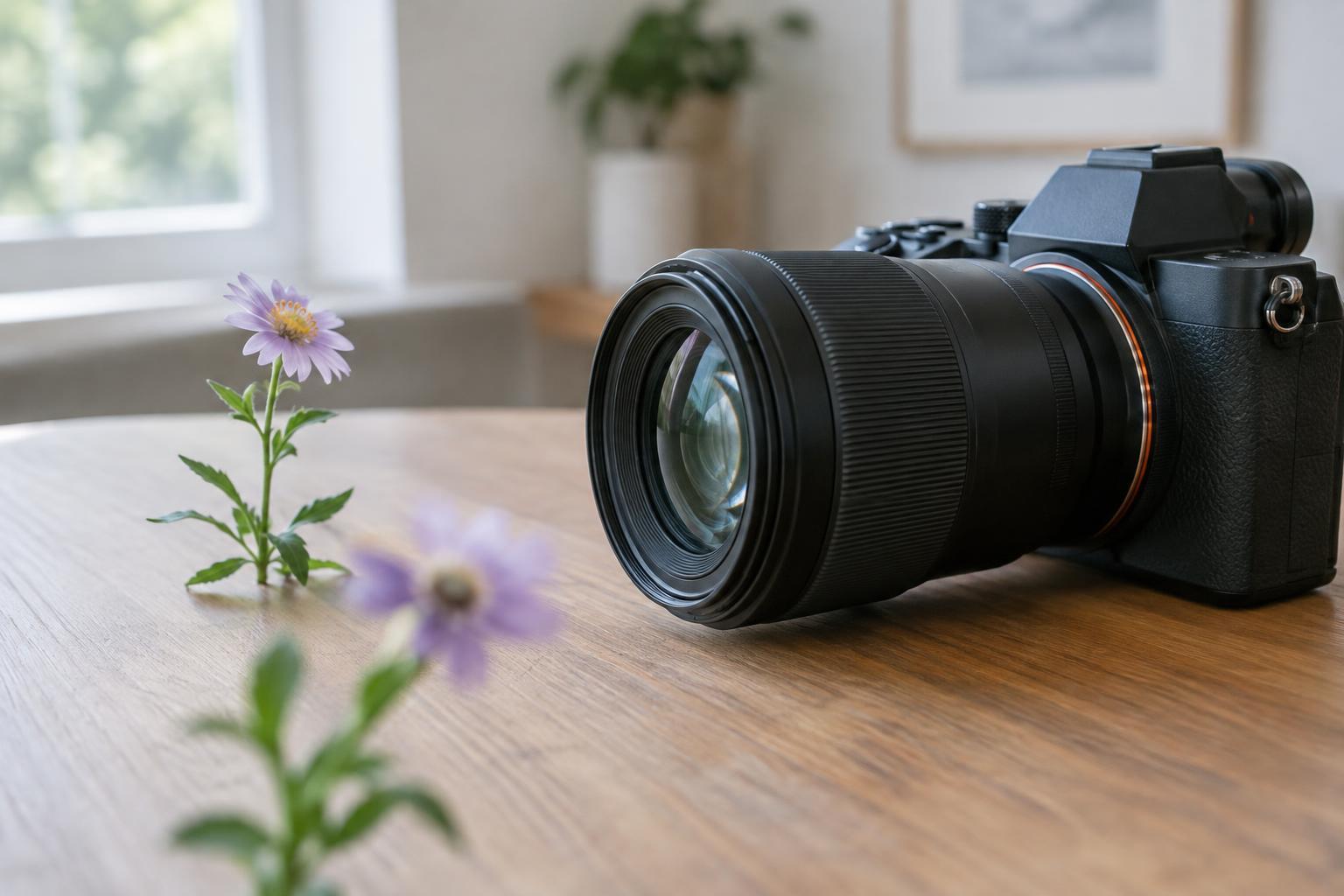
Suppose you move toward a flower to photograph a detail. The camera repeatedly searches for focus, or the focus ring reaches its stop, yet the detail remains soft. Before changing exposure settings, move back a little and try again. If the subject becomes sharp as you increase the distance, you were likely inside the lens’s close-focus limit.
It helps to separate this problem from other causes of blur. Camera movement can blur the whole frame, while a moving subject may blur even when focus is correct. With a very shallow depth of field, one part of a close subject can be sharp while another is not. At distances closer than the lens can focus, however, the intended subject cannot be brought into sharp focus at all. Choosing a smaller aperture can increase the range that appears acceptably sharp once focus is possible; it cannot extend the lens’s mechanical focusing range.
Practical ways to get the shot
The simplest solution is to step back until the lens can focus. You can then crop the photograph if you have enough image detail for its intended use. If you have a zoom lens, zooming in from a workable distance may help fill the frame, though zooming can also change a lens’s close-focus behavior. Check the result rather than assuming the closest focus distance stays the same at every setting.
For subjects you photograph regularly at close range, consider equipment designed for the task. A macro lens offers substantial magnification and is intended for close-up work. Extension tubes place a compatible lens farther from the sensor, allowing closer focus but usually sacrificing the ability to focus at distant subjects while the tubes are attached. A close-up filter is another option, though results depend on the filter and lens. Each approach changes your working distance, so leave room for light and avoid crowding a subject you could disturb.
A simple close-focus routine
Start by checking the lens’s stated minimum focusing distance, then treat it as a starting point rather than a measurement you must calculate for every photograph. Move toward the subject gradually. When focus stops improving, step back until you can place the sharpest area where it matters. Review the image at a larger view, especially if the subject has fine texture.
Close-up photographs often make focus placement unusually noticeable. Keep the camera steady, focus on the detail that carries the picture, and take another frame if either you or the subject moves. Understanding the lens’s limit turns a frustrating autofocus search into a practical choice: change your distance, change your framing, or choose a tool that can focus closer.