What your camera saves
When you press the shutter, your camera collects information from its sensor and turns it into a file. The format you choose affects how much of that information remains available for later decisions. RAW and JPEG are not simply “good” and “bad” versions of the same photograph. They represent different points in the process of turning sensor data into a viewable image.
A RAW file retains sensor measurements along with information about the camera settings. It still needs interpretation by software before you can view or share a finished photograph. A JPEG has already been processed by the camera: settings such as white balance, contrast, sharpening and noise reduction have been applied, and the result has been compressed into a smaller, widely compatible file. You can edit either format, but a JPEG gives you less room to reconsider some of those decisions.
Where RAW offers more room to edit
RAW is especially useful when you expect to make substantial changes to exposure, color or tone. For example, if an indoor photograph looks too warm, adjusting white balance in a RAW editor can often produce a cleaner result than making a large color correction to a JPEG. A RAW file may also give you more latitude to brighten dark areas or reduce bright areas while keeping their texture.
That latitude has limits. RAW cannot restore detail the sensor never recorded, such as a completely clipped highlight. Brightening deep shadows may reveal noise, and a badly blurred photograph will not become sharp because it was saved as RAW. Think of the format as preserving more options, not as insurance against every camera mistake.
The size of the advantage depends on the camera, the scene and how the JPEG was made. A well-exposed JPEG with appropriate camera settings may need very little editing. If your intended adjustment is a modest crop or slight change in brightness, the difference between formats may be less important than getting the photograph right in the first place.
What JPEG does well
JPEG is convenient when speed, storage space or easy sharing matters most. Its smaller files are simpler to transfer and generally open in a wide range of apps and devices. If you like your camera’s color and contrast settings, a JPEG can provide a usable finished image with little work. For a large set of everyday photographs, that simplicity can be a real benefit.
A JPEG is still editable. You can crop it, adjust tones and color, and prepare it for different uses. The constraint becomes more noticeable when edits are heavy. Strong changes may expose banding, noise or compression artifacts, particularly in smooth areas such as skies. Repeatedly saving an edited JPEG can also introduce further compression; keeping the original and exporting new copies helps protect your starting point.
Choosing a format for the photograph
Choose RAW when the light is difficult, the color is mixed, or you want control over the final look. It can be valuable for photographs you may revisit later, including a visual story that needs a consistent treatment across many frames. Choose JPEG when quick delivery and minimal editing matter more, or when the camera already produces the appearance you want.
Many cameras offer a RAW+JPEG setting, which saves both versions of each photograph. This can give you a ready-to-use file now and a flexible file for later, at the cost of more storage and more files to organize. Before relying on any setting for an important project, make a few test photographs and open the results in the software you plan to use.
Build a workflow that preserves your choices
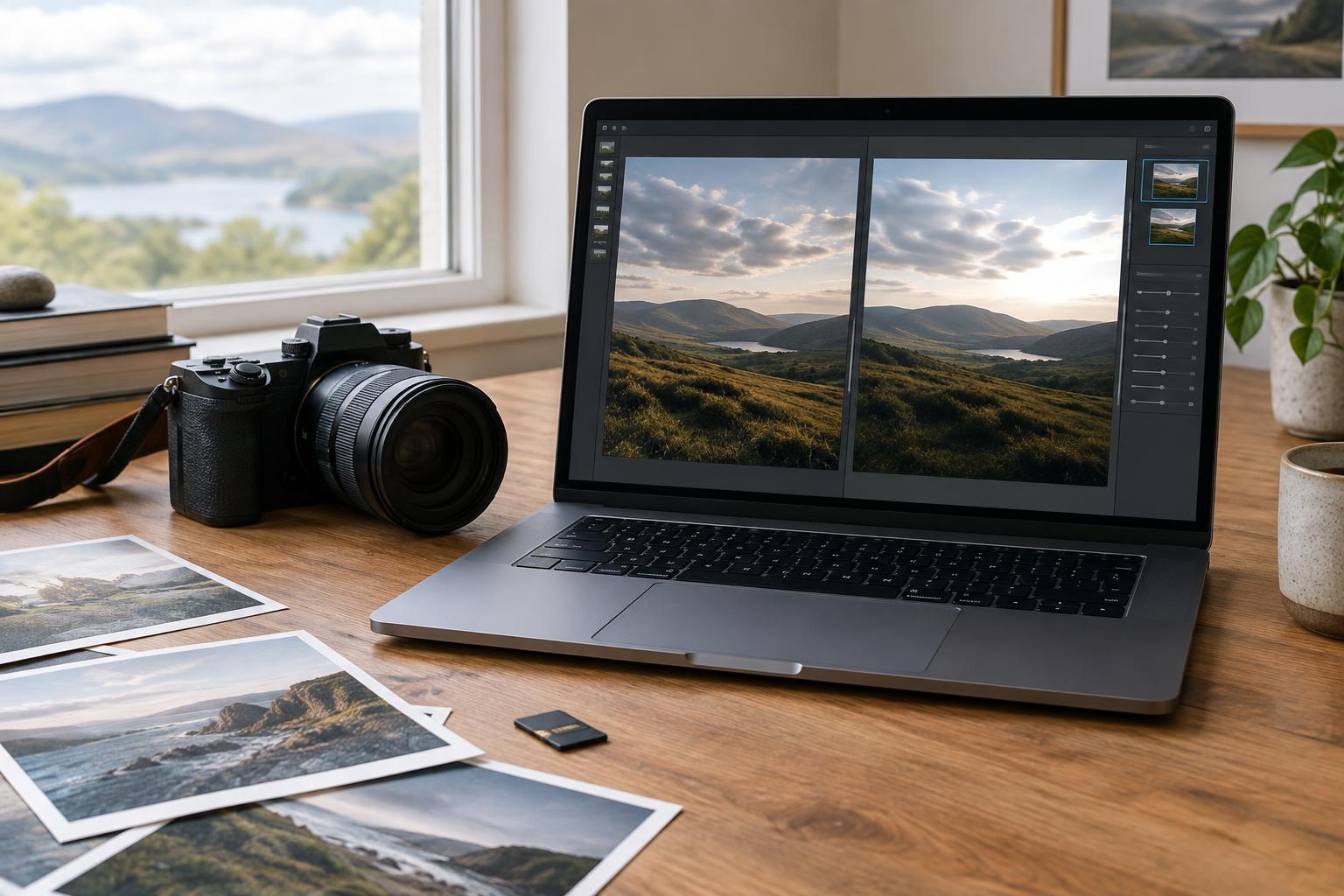
For a RAW workflow, import your files, select the frames worth keeping, and make adjustments in an editor that records your changes without altering the original sensor data. Those edits may be stored in a catalog, a sidecar file or another application-specific form. Export a JPEG when you need a version to share or publish. Keep the RAW file and its editing information if you want to revise the result later.
For a JPEG workflow, keep an untouched original before making substantial edits, then export separate versions for different purposes. With either format, use clear folders or filenames, back up the files you would regret losing, and check the exported image rather than assuming it matches the editor preview. File format shapes your editing options, but a dependable workflow is what keeps those options available.