Know what the tripod can—and cannot—fix
Camera shake happens when the camera moves while the shutter is open. It can make stationary details look soft or leave faint doubled edges. A tripod helps by holding the camera still, especially when a dim scene calls for a shutter speed that is difficult to use by hand. It also makes it easier to keep framing consistent while you adjust exposure or wait for the right moment.
A tripod does not freeze everything in the frame. A person walking, leaves moving in the wind, or water flowing can still blur during a long exposure. That may be an effect you want, but if you need a moving subject to appear sharp, you may need a faster shutter speed as well. Before changing your setup, ask whether the blur comes from the camera moving or from something in the scene moving.
Build a stable base
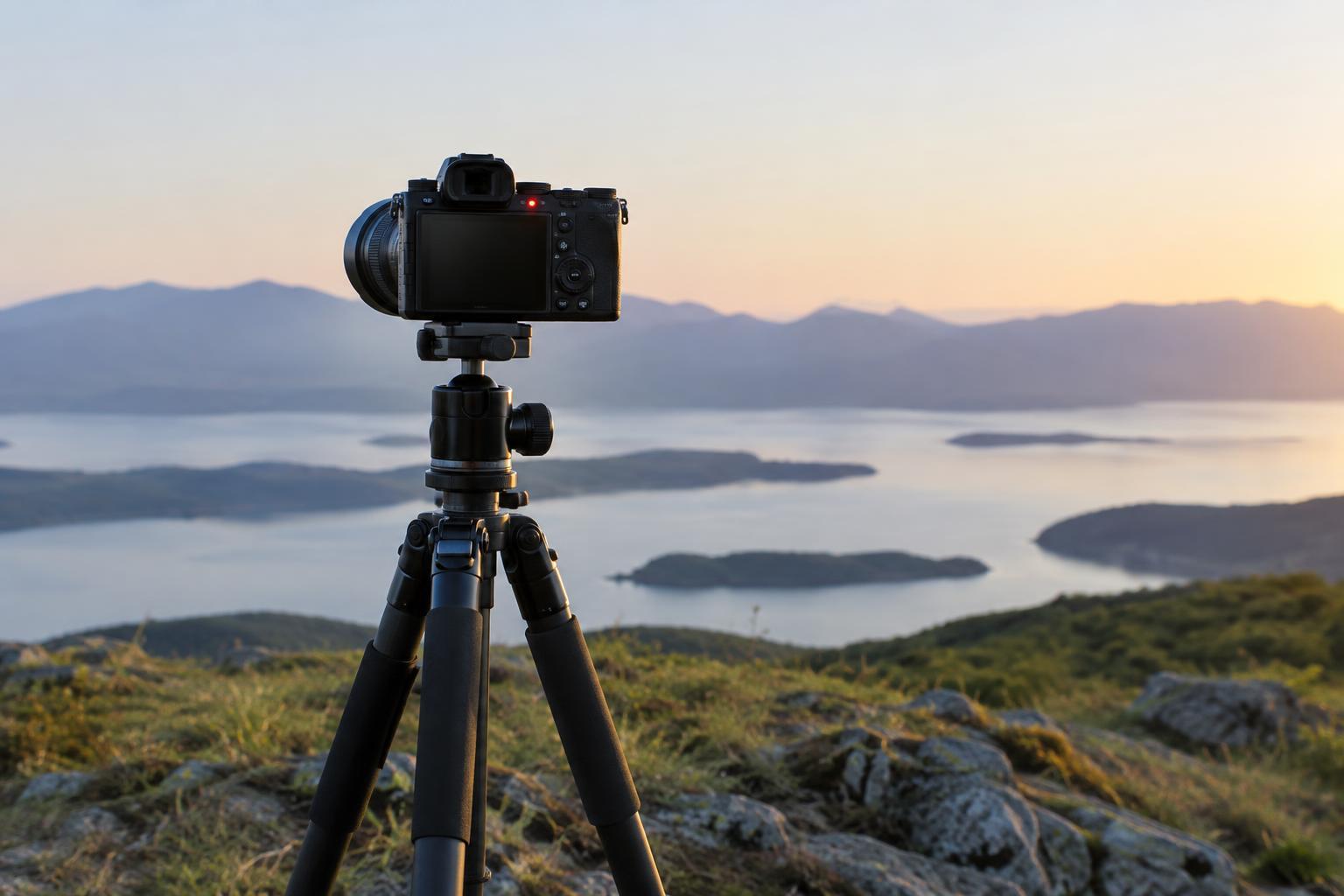
Place the tripod on firm ground and spread its legs fully. If the ground is uneven, adjust the leg lengths until the camera is secure rather than forcing each leg to the same height. Extend the thicker leg sections first when possible, and keep the center column low. Raising the center column adds height but can make the setup less steady.
Attach the camera firmly and check that the tripod head is locked before letting go. If your camera or lens is heavy, make sure its weight is supported without pulling the head forward. Avoid bumping the legs while working. Wind can also move an otherwise sound setup; lowering the tripod or moving to a sheltered position may help. If you hang a bag from a tripod hook, keep it from swinging or touching the ground unpredictably.
Not every surface is as solid as it looks. A wooden walkway may flex when someone passes, and a floor can vibrate near heavy foot traffic. When photographs remain soft despite a careful setup, consider whether movement is traveling through the ground beneath the tripod.
Use the self-timer to avoid the shutter-press bump
Pressing the shutter button can nudge the camera at exactly the wrong time. The self-timer separates that touch from the exposure. Set the timer, press the button gently, and take your hands off the camera while it counts down. A short delay is often enough for a stable setup to settle; a longer delay gives you time to step away or enter the frame.
Check when your camera focuses. Some cameras focus as soon as you press the shutter, while others may behave differently depending on their settings. For a stationary subject, focus first and confirm it before starting the timer. If focus keeps shifting between shots, consider a suitable fixed focus setting or manual focus, then avoid moving the camera or subject after focus is set.
A remote release or a camera app can serve the same basic purpose without making you wait, though neither is necessary to get started. On some cameras, a mirror or mechanical shutter can cause small vibrations of its own. If you notice softness at particular shutter speeds, consult your camera’s settings for options such as electronic first-curtain shutter or a shutter-delay mode. These features vary by camera.
Check your stabilization settings and surroundings
Image stabilization helps reduce movement when a camera is handheld, but its behavior on a tripod depends on the camera and lens. Some systems detect a stable support and adjust automatically; others work best when stabilization is switched off. Use your equipment’s guidance as a starting point, then compare a few otherwise identical photographs if you are unsure.
After starting the timer, avoid touching the camera, tripod, or surface supporting it. Make sure a strap is not flapping against the tripod or camera body. For a particularly long exposure, also watch for light entering through an uncovered viewfinder if your camera’s design makes that possible. These small checks matter most when the shutter stays open long enough for minor disturbances to show.
Review the result before packing up
Take a test photograph and inspect it at a useful magnification on the camera screen. Look at a stationary, detailed area rather than judging sharpness only from the full-frame preview. If that area is soft, confirm focus, check that the tripod is locked, and repeat the exposure with the self-timer. Change one thing at a time so you can tell what helped.
If stationary objects look sharp but moving subjects blur, the tripod is probably doing its job. Choose a faster shutter speed if you want to stop that motion, or embrace the blur if it supports the photograph. A tripod and self-timer are simple tools, but the lasting skill is diagnosing what moved during the exposure and choosing a setup that matches the image you want to make.