The sensor’s basic job: turn light into a signal
When you press the shutter, light reflected from the scene passes through the lens and reaches the camera sensor. The lens determines what part of the scene is in focus and, with the aperture, helps control how much light gets through. The shutter or its electronic equivalent controls how long the sensor collects that light. The sensor’s job is to turn the incoming light into measurable electrical signals.
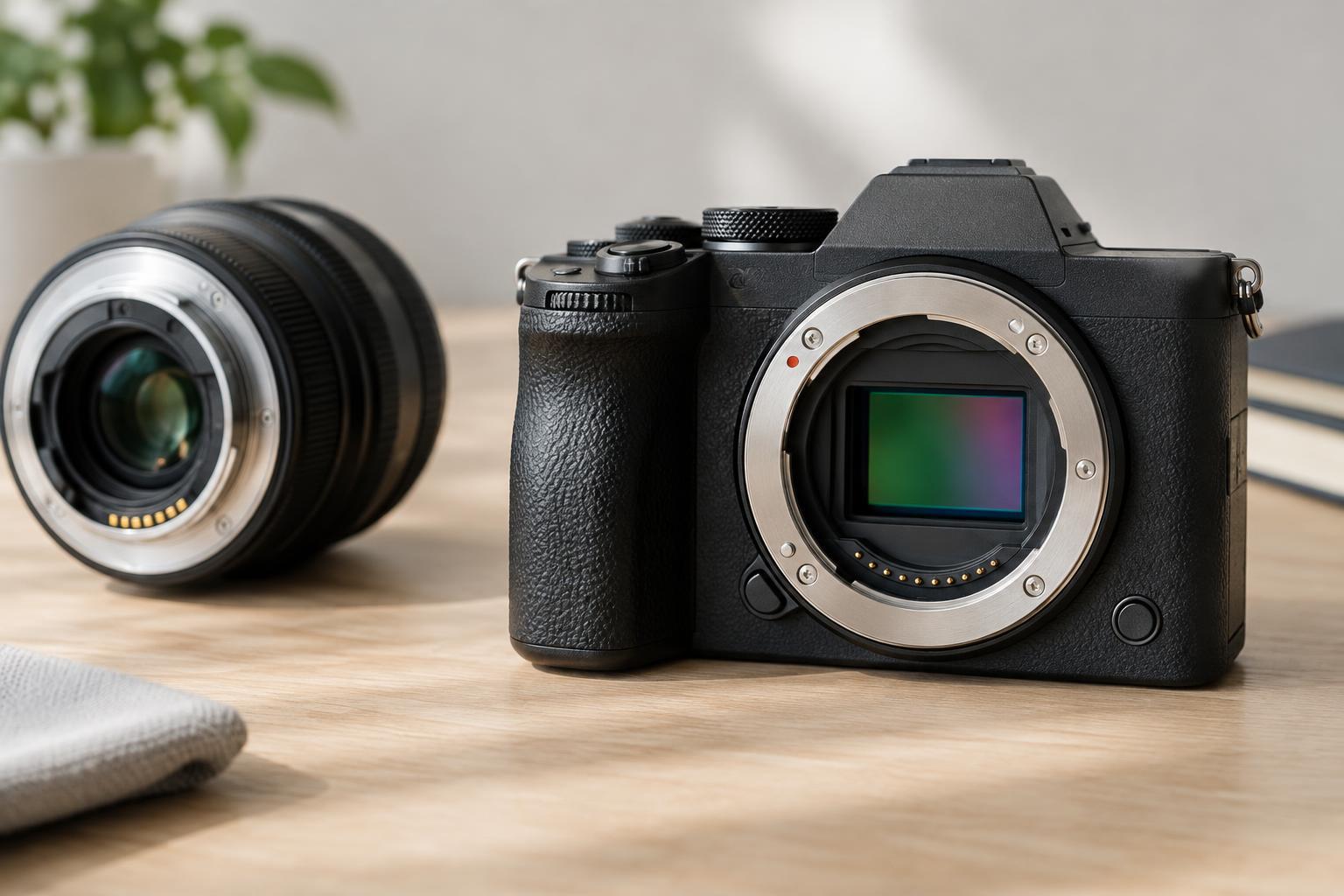
A sensor contains a grid of light-sensitive sites, often called photosites. Each site collects electrical charge as it receives photons during an exposure. In general, more arriving light produces a stronger signal. The camera then measures those signals to build a digital image. The sensor does not recognize a face, a tree or a meaningful moment at this stage; it records light arriving at many locations across its surface.
Why exposure affects detail
A photosite can collect only a limited amount of charge. If it receives more light than it can record, its signal reaches a limit. In the finished image, this may appear as a bright area with no visible texture, often called a clipped highlight. At the other end, a site that receives very little light produces a weak signal. When that signal is brightened, random variation from light capture and the camera’s electronics can become more noticeable as noise.
This is why exposure is not simply a matter of making the picture look bright enough. You are deciding how to use the sensor’s limited recording range. In a high-contrast scene, you may need to choose whether to preserve detail in a bright window or reveal detail in a dark room. A histogram and highlight warning, if your camera provides them, can help you judge what the sensor recorded more reliably than the screen’s apparent brightness alone.
How a sensor records color
Most camera sensors do not measure a full color value at every photosite. Instead, a pattern of tiny color filters lets individual sites measure light from particular parts of the color spectrum, commonly red, green or blue. The camera uses nearby measurements to estimate a full-color value for each output pixel. This step is called demosaicing. Other sensor designs exist, but the principle remains: the recorded signals must be interpreted before they become the color image you see.
White balance is another part of that interpretation. A white sheet of paper can reflect warm light from a lamp or cool light from an overcast sky. White balance adjusts how the camera represents those lighting conditions so neutral objects can look neutral when appropriate. It does not change the light that struck the sensor; it changes how the recorded information is rendered. This distinction is useful when you edit: a color adjustment can improve a photograph, but it cannot always recover color detail that was never recorded.
What ISO changes—and what it cannot
ISO is a camera setting that affects how the captured signal is amplified or processed and how bright the resulting image appears. Raising ISO does not make additional photons reach the sensor. To collect more light, you generally need a wider aperture, a longer exposure, more light on the scene or some combination of these. Each choice has a visual cost or benefit: aperture affects depth of field, while exposure time affects motion blur.
If a scene is dim and you cannot gather more light without blurring the subject, a higher ISO can still be the practical choice. It may help you produce a usable image at a suitable shutter speed. Noise can be more visible because the underlying light signal is weak, and processing may make it more apparent. Rather than treating one ISO number as universally safe, look at the subject, the available light and how the photograph will be used.
From sensor data to a photograph you can use
After exposure, the camera reads the sensor’s signals and converts them into digital values. To make a viewable picture, it applies decisions such as color interpretation, tone mapping, sharpening and noise reduction. A JPEG contains an image processed according to those decisions. A raw file generally retains sensor measurements with less of that rendering fixed in place, giving you more flexibility to adjust tone and color later. Neither format can restore detail that the sensor failed to capture.
Some cameras also combine information from several exposures, particularly when making a final image in-camera. That can improve the appearance of a difficult scene, but the result reflects processing choices as well as a single moment of captured light. For visual storytelling, this matters: understanding the sensor helps you expose deliberately, while understanding the processing helps you describe and edit photographs responsibly. Start by asking what light reached the sensor, what information was lost, and which later choices shaped what viewers see.